Custom Machine Learning for Film Restoration
Reference-based restoration workflow for NukeX using CopyCat and Inference. Trains small CNNs against real source/reference pairs to recover lost chroma or spatial detail in degraded film elements.
Not a plugin. A repeatable, documented workflow for archives, preservation teams, and restoration practitioners.
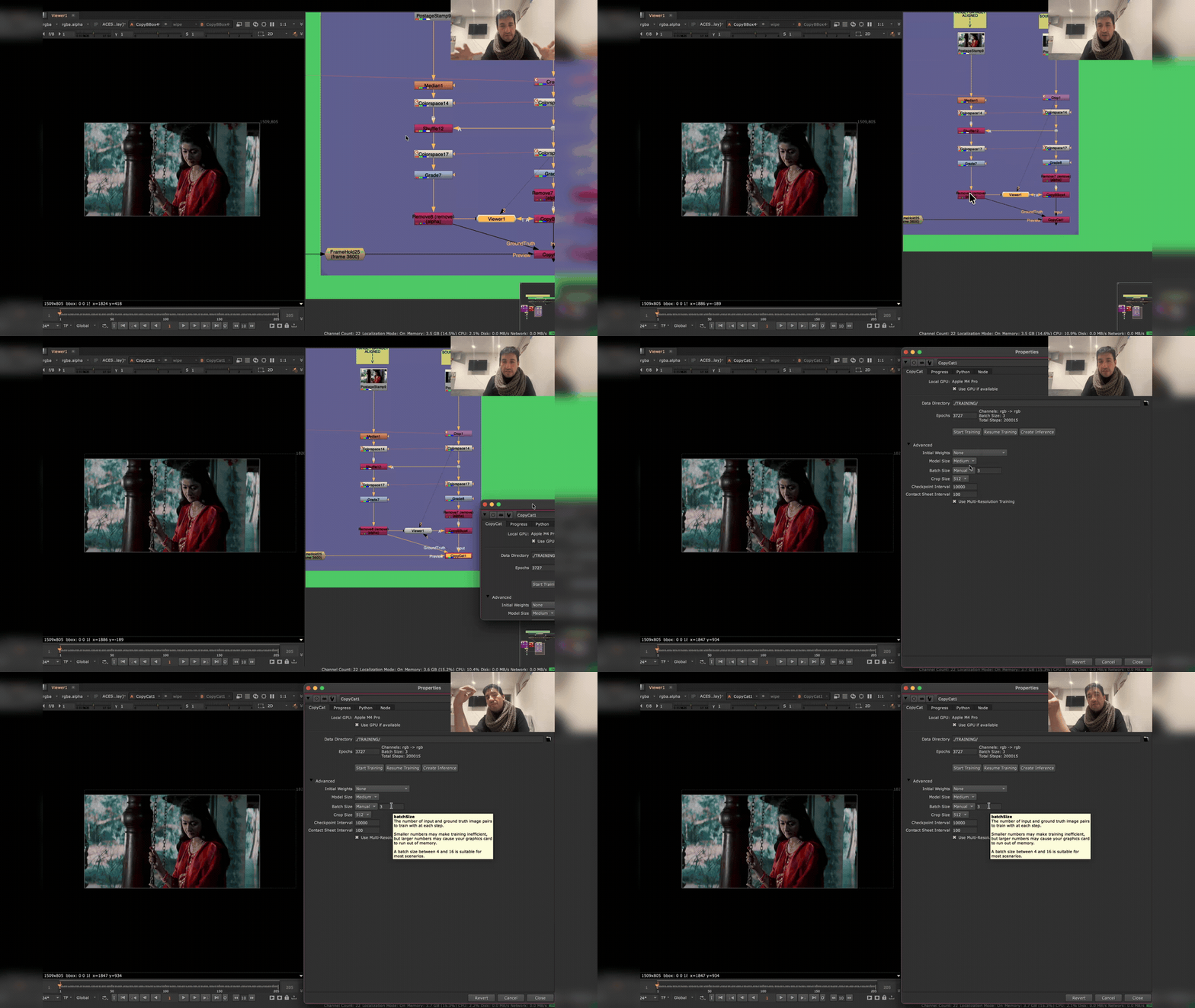 Video walkthrough — a visual companion to this repository.
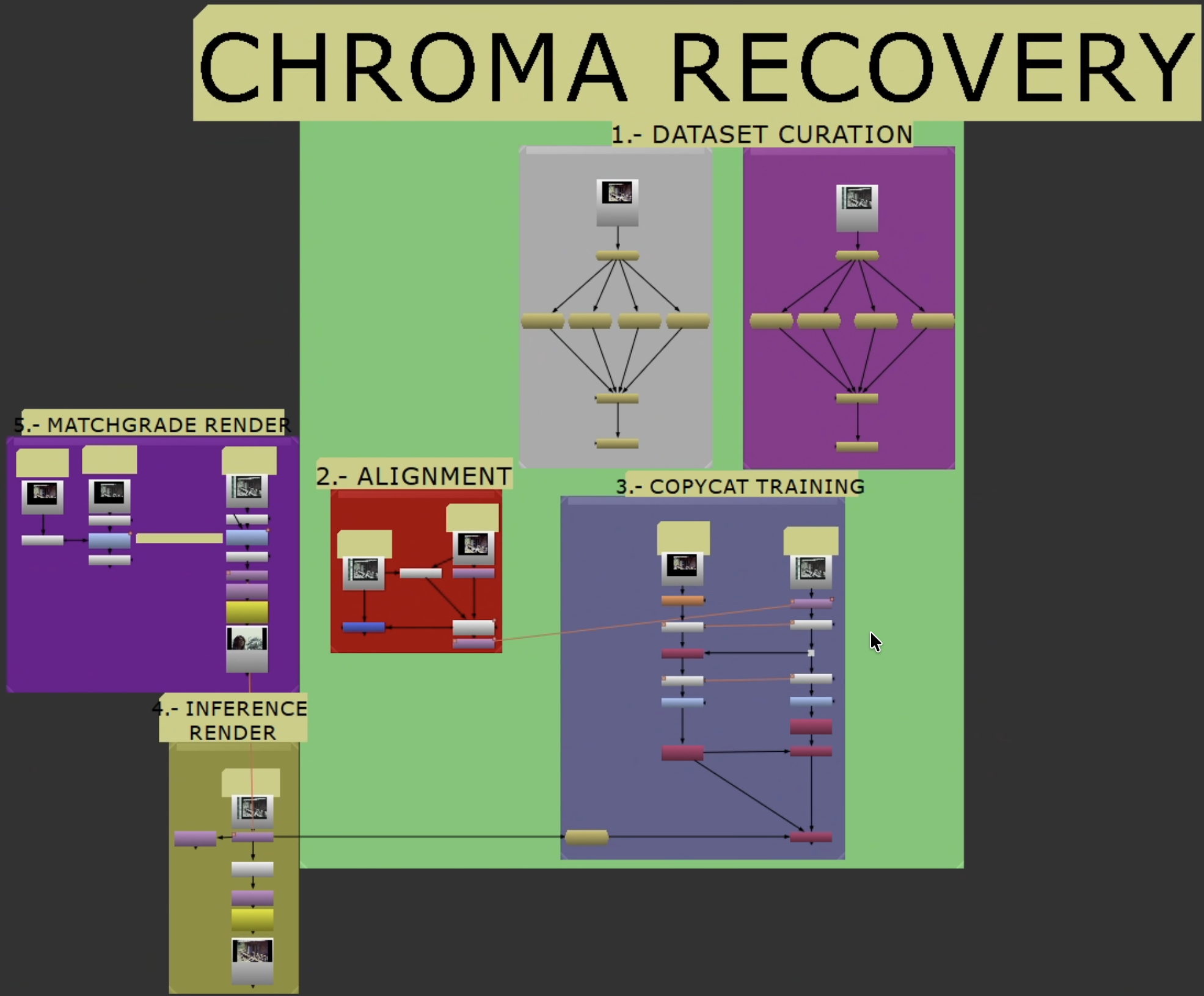 Recovery workflow overview.
Recovery Modes
| Mode | Use when | Ground truth target |
|---|---|---|
| Chroma recovery | Luma/detail intact, chroma faded, shifted, or collapsed | Source Y + Reference Cb/Cr |
| Spatial recovery | Color acceptable, detail/sharpness/grain degraded vs. reference | Reference Y + Source Cb/Cr |
Start with chroma recovery unless your problem is clearly spatial. Do not combine both in the same target build — treat them as separate passes.
Getting Started
Follow these in order:
- Shared Workflow — Stages 0-2: Resolve export, Nuke setup, dataset curation, alignment, shared crop, and the branch decision.
- Chroma Recovery — Stage 3 onward: chroma target build, training, inference, validation.
- Spatial Recovery — Stage 3 onward: spatial target build, training, inference, validation.
Supporting Material
- Case Studies — Real-world results across eleven projects.
- Glossary
- Provenance and Metadata (future — ethical training data documentation)
Requirements
- Foundry NukeX with
CopyCatandInference(GPU: Apple Silicon or NVIDIA) - A source scan with surviving image information
- A reference with stronger color or spatial detail
- Resolve (or equivalent) for pre-alignment and container prep
- ACES/OCIO color management